
Filters
9 products
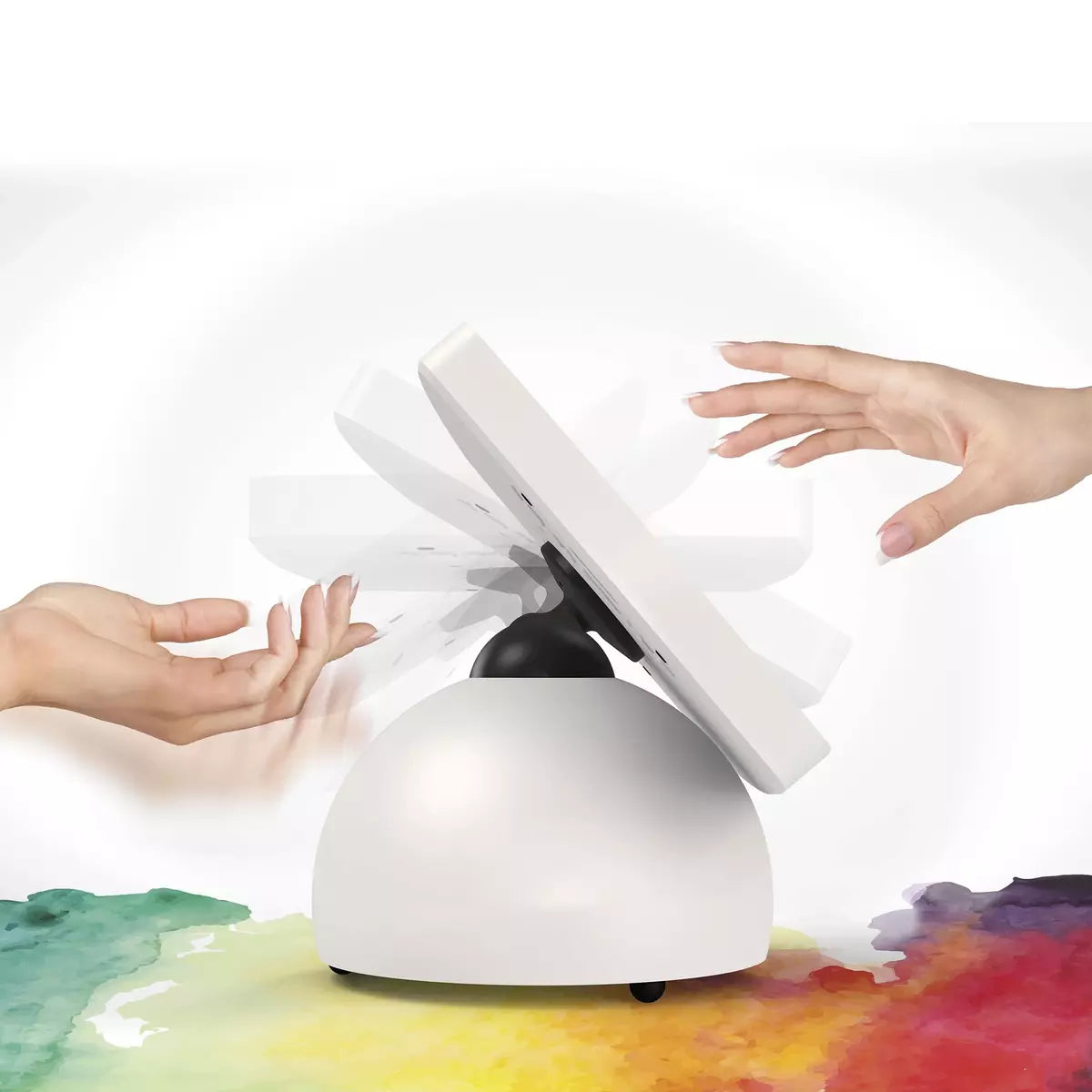
Sphere: The Playful and Secure Tablet Enclosure
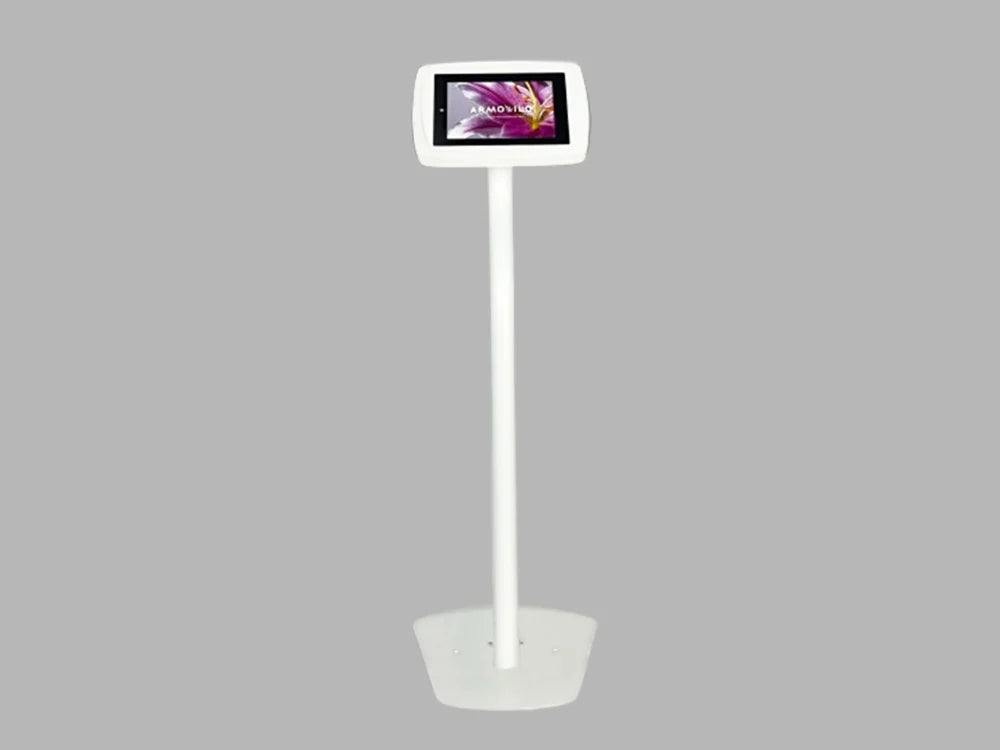
Floor: The Secure & Customizable Kiosk
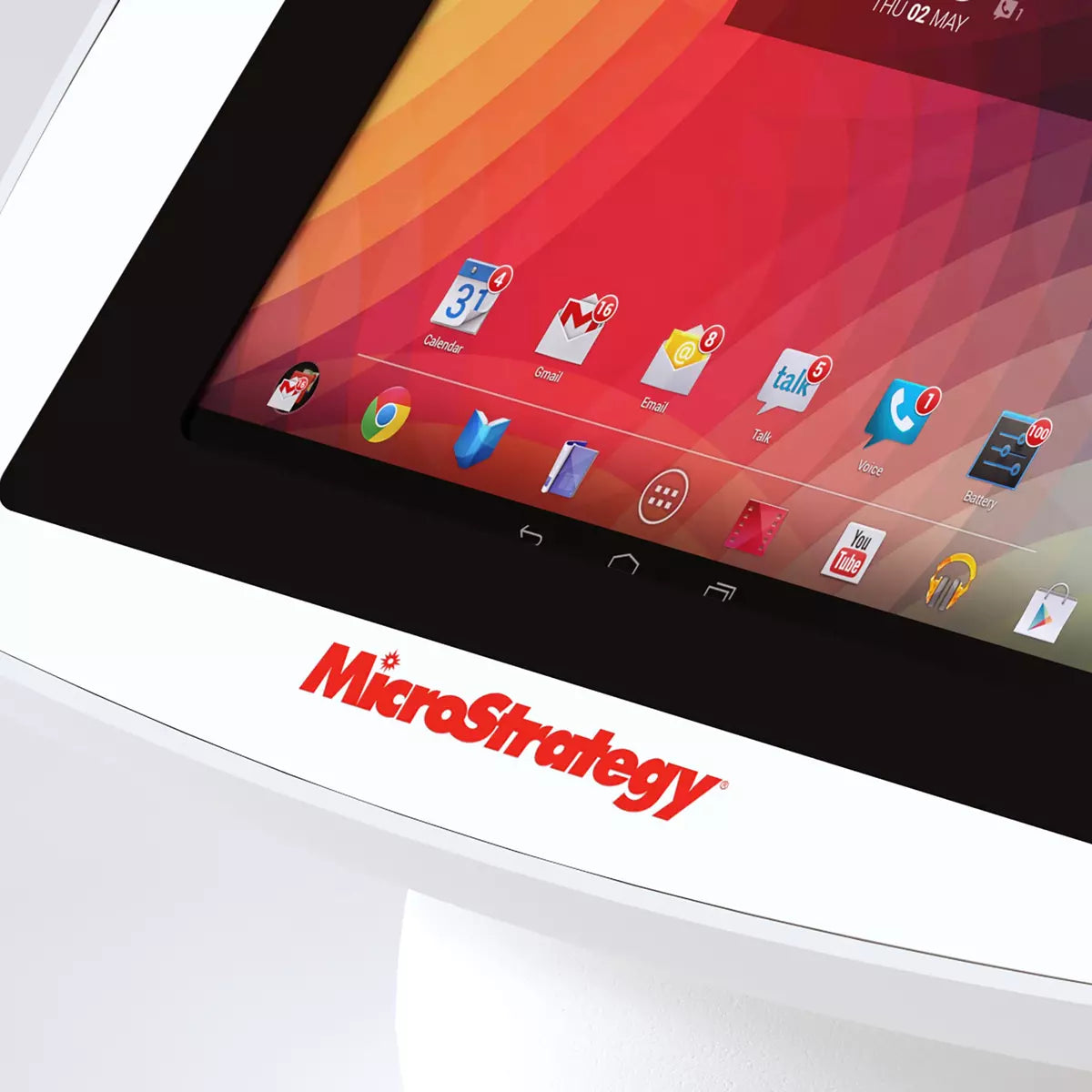
Print - Full Color Faceplate
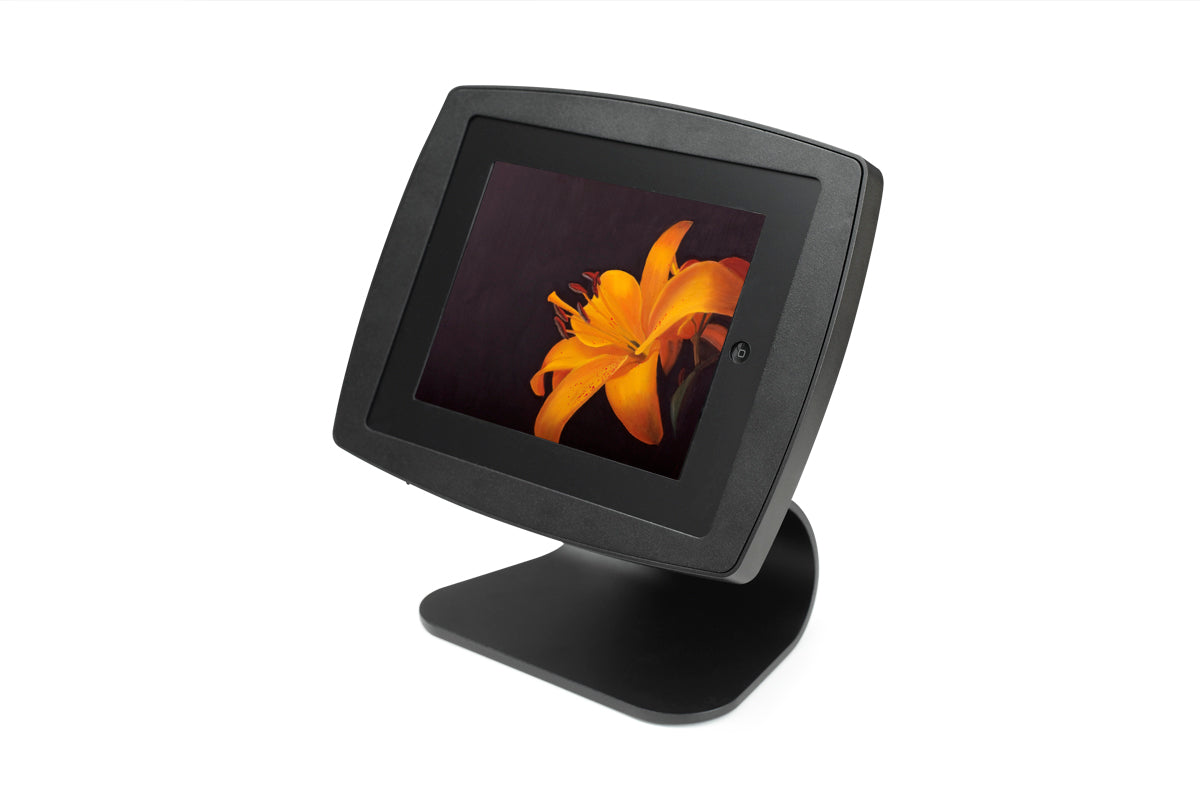
Curve: The Refined Countertop Enclosure
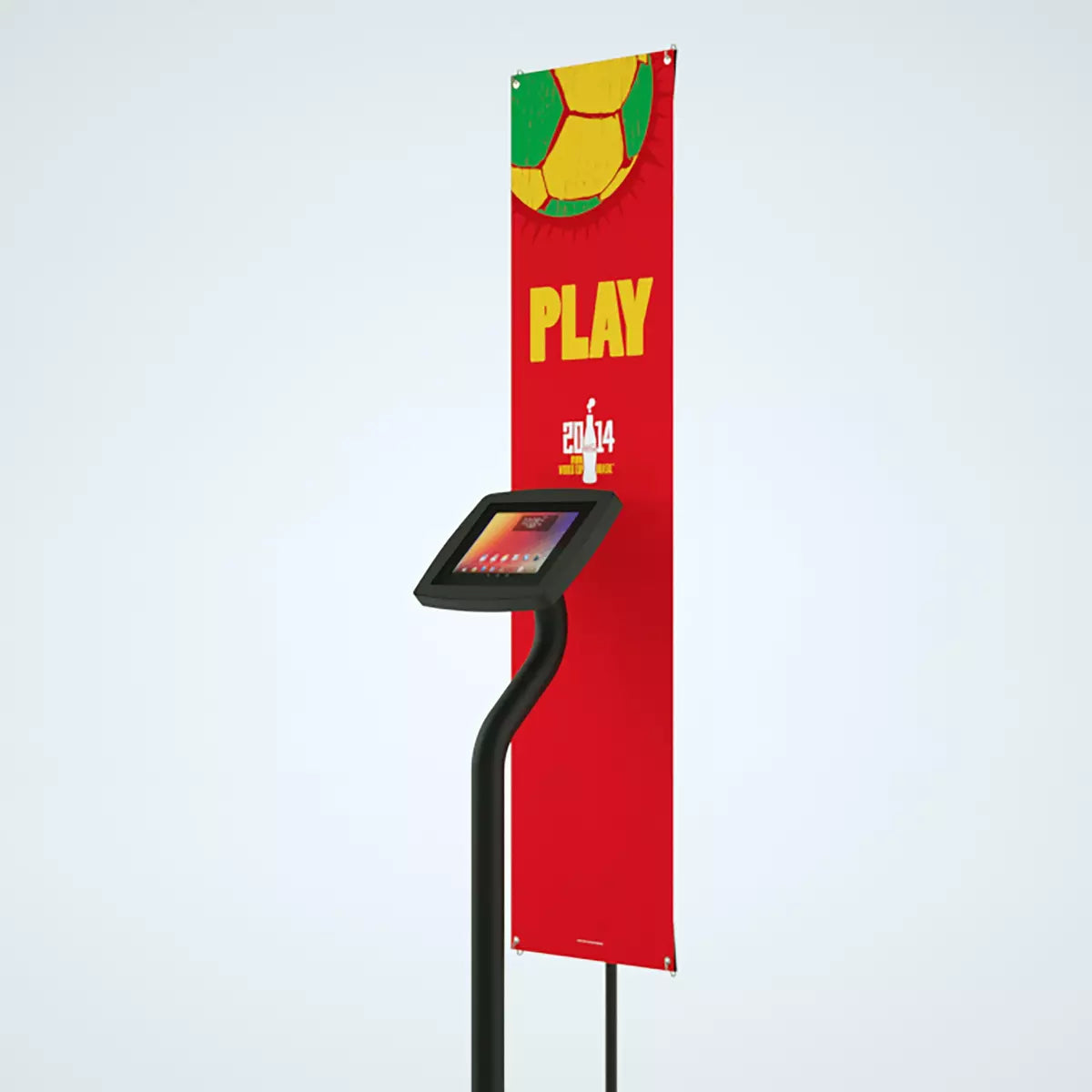
Custom Print - Floor Rear Graphic Banner
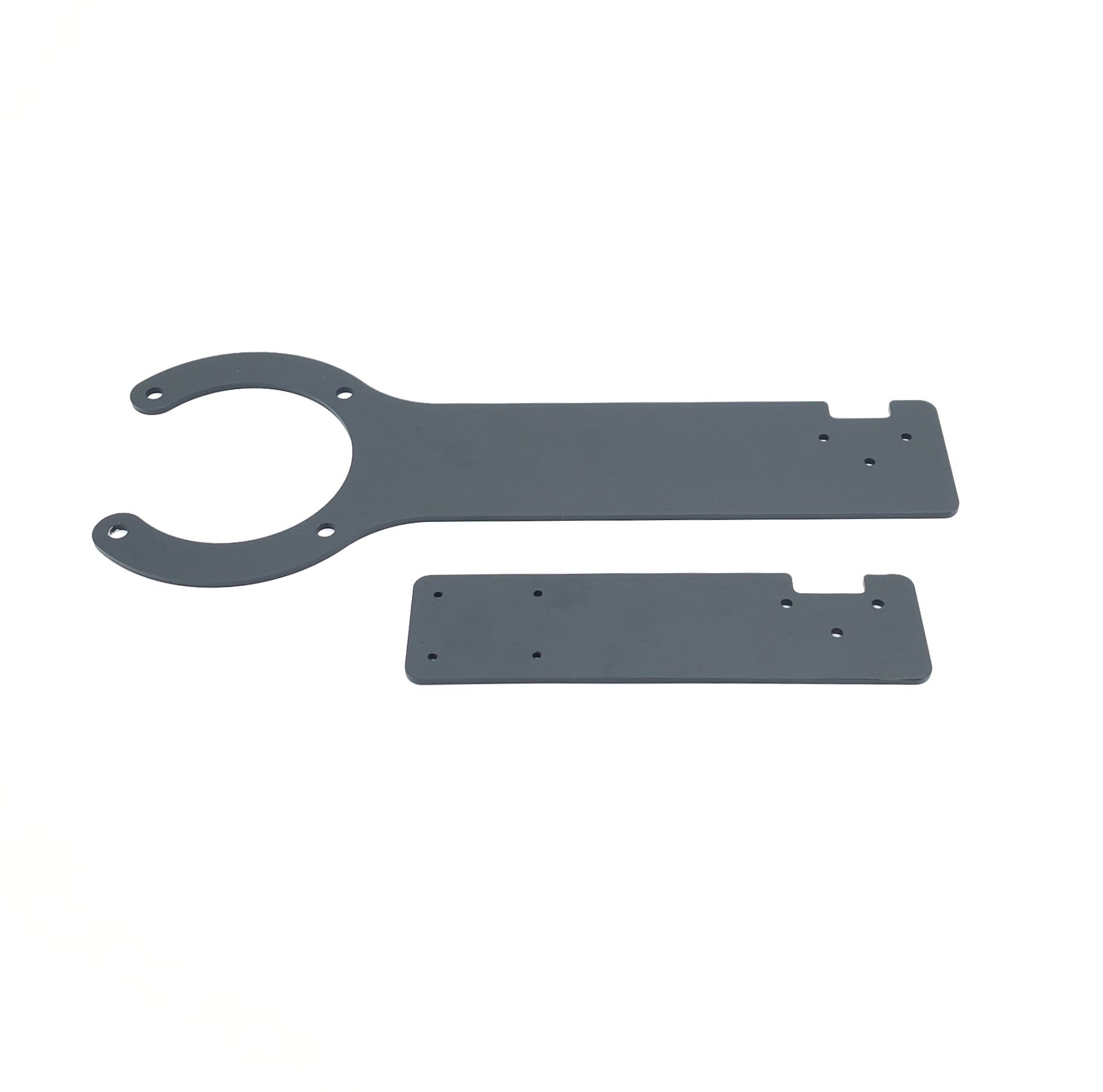
Armodilo Payment Terminal Bracket
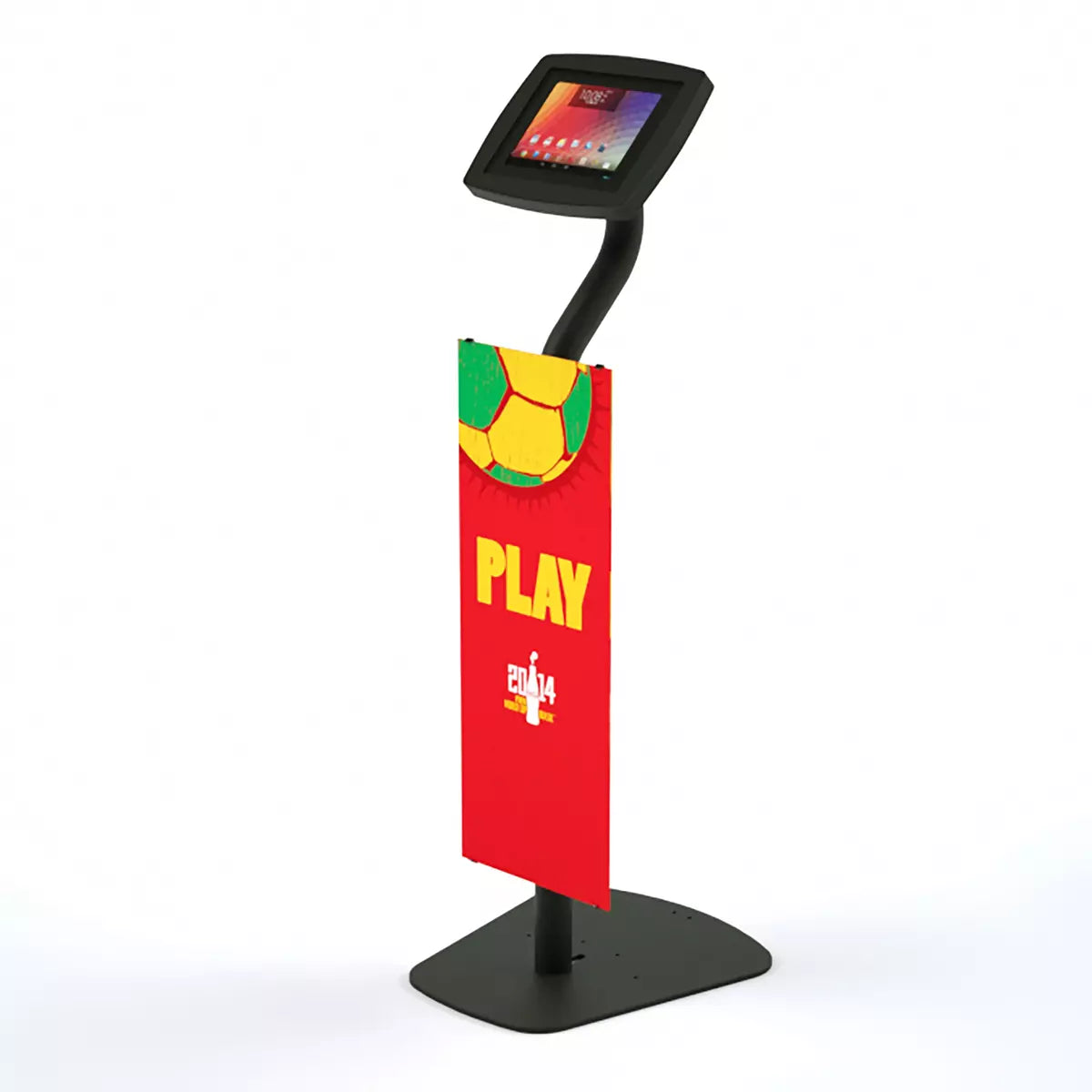
Custom Print - Floor Front Graphic Panel
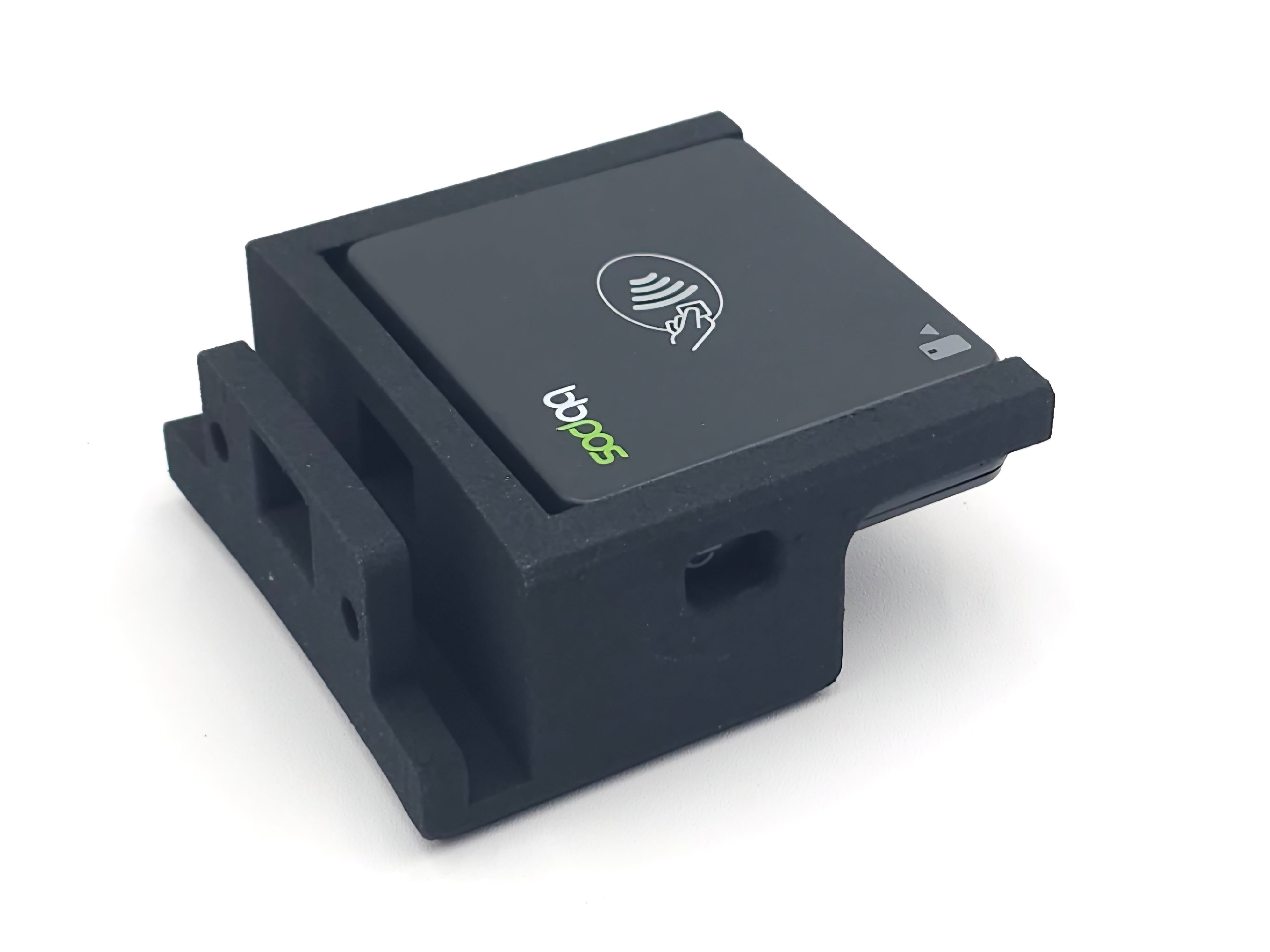
Bracket - BBPOS
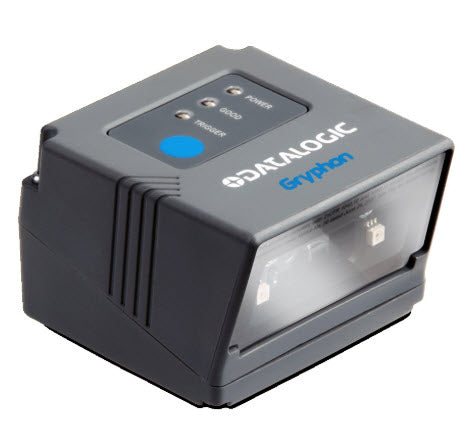
Datalogic Gryphon GFS4470 Fixed Mount 2D Barcode Scanner

Why Point-of-Sale Tablet Kiosks
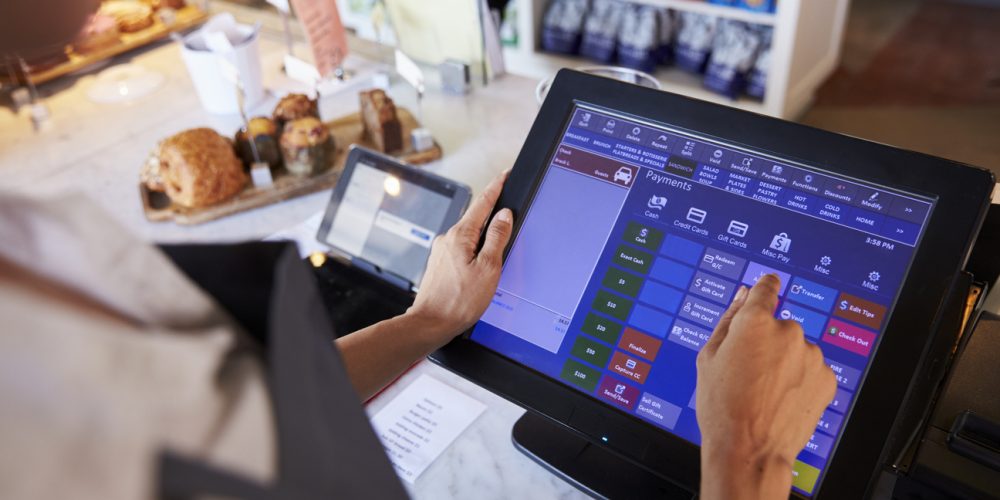
Point-of-sale tablet kiosks are transforming retail and hospitality checkout experiences by offering a flexible, efficient, and customer-friendly alternative to traditional POS systems. Unlike bulky cash registers, tablet-based POS kiosks streamline transactions, support mobile payments, and help businesses reduce wait times while creating a clean, modern point-of-sale environment.
Armodilo’s point-of-sale tablet kiosks are engineered for real-world commercial use with secure tablet enclosures, durable materials, and built-in cable management. These features protect your device from theft and damage, keep cords neatly organized, and deliver a polished presentation that enhances your brand.
Designed to work with iPad, Android, and Windows tablets, Armodilo POS kiosks give you hardware flexibility and future-proofing as your technology needs change. Multiple mounting options — including countertop, freestanding, and wall-mounted configurations — allow you to tailor your checkout layout for optimal customer flow and operational efficiency.
Using a POS tablet kiosk from Armodilo helps you speed up transactions, improve staff productivity, and elevate the customer experience — all while reinforcing a professional, cohesive look at every checkout station.

Checkout Hardware That Matches Your Brand
A point-of-sale kiosk has to do two jobs at once: process transactions reliably, and look like it belongs at your checkout counter. This collection combines Armodilo’s countertop and floor-standing enclosures with the payment-terminal hardware and branding options that turn a tablet into a finished POS station.
Countertop and Floor-Standing Enclosures
Sphere brings a friendly, approachable design to a checkout counter, Curve offers a compact countertop footprint for tighter spaces, and Floor gives you a secure, customizable floor-standing option when you need the kiosk to be self-supporting rather than counter-mounted.
Built for Card Readers and Payment Terminals
The Bracket - Payment Terminal and Bracket - BBPOS accessories mount a card reader or payment terminal directly alongside your tablet, keeping the checkout process in one compact footprint instead of a tangle of separate hardware. Add the Datalogic Gryphon GFS4470 fixed-mount scanner for barcode scanning at the same station.
Branded From the Counter Up
Full Color Faceplates, Rear Graphic Banners, and Front Graphic Panels let you print your logo, promotion, or brand colors directly onto the kiosk itself — turning the checkout counter into another branded touchpoint instead of a generic tablet stand.
Need a tablet to complete the setup? See kiosk tablets. For more finishes and functional add-ons, browse Customizations and Branding, or compare our full range of enclosures in Tablet Kiosks and Accessories.
Case Studies

Hyper Kidz Columbia Transformed Check-in Experience
Hyper Kidz Columbia transformed its digital waiver and check-in experience using Armodilo Sphere kiosks, creating a safer, more professional first impression for families while improving durability...
Improving Mutli-National Retail Customer Experiences and Revenue
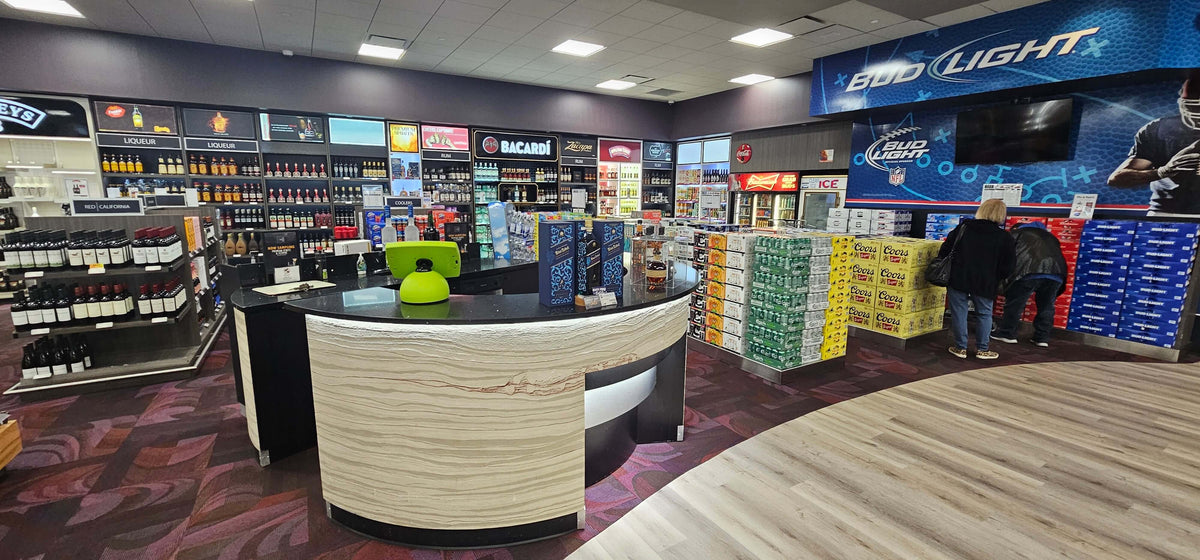
Discover how a leading global duty-free retailer revolutionized their in-store experience with Armodilo Spheres. By integrating tablet kiosks throughout their stores, they enhanced customer support...

LINGA Elevates Cloud POS Experience with Armodilo Premium Tablet Enclosures
Discover how Armodilo’s premium tablet enclosures transformed LINGA’s cloud-based POS systems, enhancing user experience, brand image, and market expansion.
FAQ
What is the difference between a POS and a kiosk?
A POS (Point‑of‑Sale) system refers to the software or setup used to process sales — including payments, checkout, inventory, and transactions. A kiosk is the physical hardware: a secure tablet enclosure or stand that houses the device used for POS (or other purposes).
What is the best tablet for a POS system?
There is no one-size-fits-all “best” tablet; the right choice depends on your software, accessories, and usage environment. But for most POS platforms, tablets with reliable OS support and robust hardware — such as modern iPads or Android tablets — work best.
How to install a fully kiosk on a tablet?
With Armodilo’s POS kiosk solution, “installing a fully kiosk” means:
- Choose the right tablet kiosk or stand from the POS collection.
- Insert the tablet into the enclosure or stand using the correct Fit Kit for a secure, precise fit.
- Use the integrated cable management to route power and data cables cleanly through the kiosk — no exposed wires.
- Set up your POS software on the tablet (apps, payment integration, peripherals) — your kiosk hardware provides the secure, stable platform; the software is handled on the tablet side.
What is the difference between single app kiosk and multi app kiosk?
A single app kiosk locks the tablet to a single application — ideal for dedicated, public‑facing POS or checkout stations where users should only access the payment or checkout app. A multi app kiosk allows multiple approved applications to run — useful when staff need access to back-office tools, inventory, or administrative tasks on the same device. With Armodilo’s kiosk hardware, you can use whichever mode suits your workflow — hardware stays constant, software controls behavior.
What are the advantages of using an Armodilo POS tablet kiosk instead of a standard tablet on a counter?
Armodilo’s POS tablet kiosks provide:
- Secure, tamper-resistant enclosures or stands — protecting your tablet from damage or theft in public environments.
- Clean, professional presentation through integrated cable routing — no messy cords hanging around.
- Stability and durability for high traffic retail or commercial use.
- Compatibility with peripheral accessories (card readers, payment terminals, printers) when needed, making the setup truly POS-ready
What types of environments or businesses work best with POS tablet kiosks from Armodilo?
These kiosk solutions suit retail stores, boutiques, pop-up shops, hospitality check-outs, ticketing desks, trade show booths, small businesses, and any business needing a clean, modern, tablet‑based POS solution. Their compact footprint and flexible mounting options make them great for desktops, countertops, or small retail counters.
Can I upgrade or replace the tablet without replacing the kiosk enclosure or stand?
Yes. Many Armodilo enclosures and stands use a modular design with Fit Kits — meaning when you upgrade to a new tablet, you only need to get the appropriate Fit Kit for the new device, rather than buying a whole new kiosk. This makes your investment more future‑proof and reduces long-term cost.